 Keet Support
Sharing Files and Media 🗃️
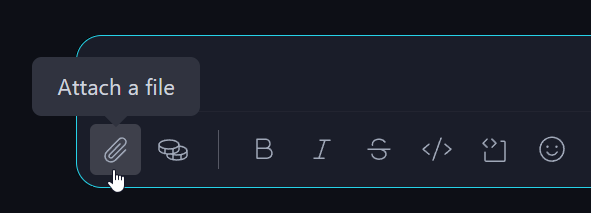
Open a chat and click the 'Attach a file' [🔗] button:
How can I share files and media in Keet?
Open a chat and click the 'Attach a file'[🔗] button:
When prompted, allow Keet to access your media files.
Select the files you want to share with your peers, or drag and drop them into the chat window (on desktop).
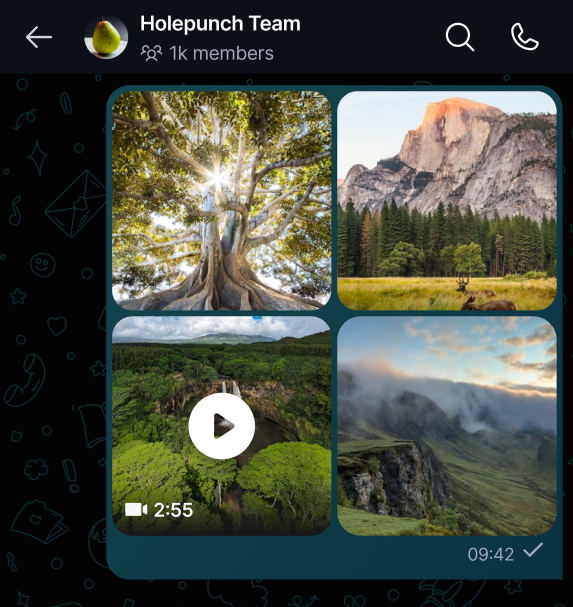
Click 'Send now' [▶️**]** button when the files are ready. Once uploaded, all group participants will have access to the shared files.
If a video you attach may not play on all devices, Keet offers to create a compatible version before sending - see Convert Incompatible Videos. 🎞️
Since it’s peer-to-peer, both devices need to be online for smooth and fast file transfer. 🟢
Receive and download files
Shared files appear in the chat feed. To preview, click images, videos, or supported file types (e.g., .txt, .pdf). To download a file, click the three dots next to it and select 'Save to files'.
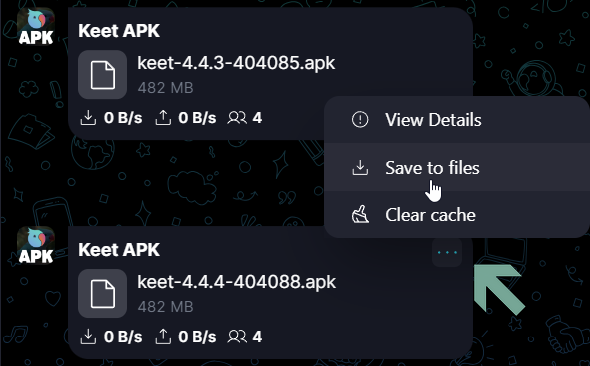
Monitor file transfer status
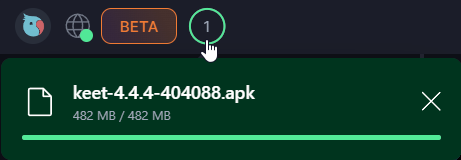
On the desktop, the download process status bar appears in the top left corner of the app:
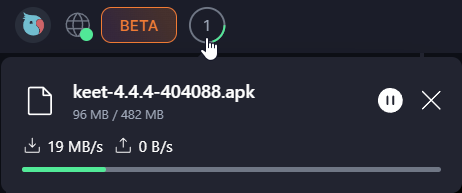
When the file download is complete, the status will update:
Hover your mouse over the shared file to see its upload/download speed and the number of peers sharing it.
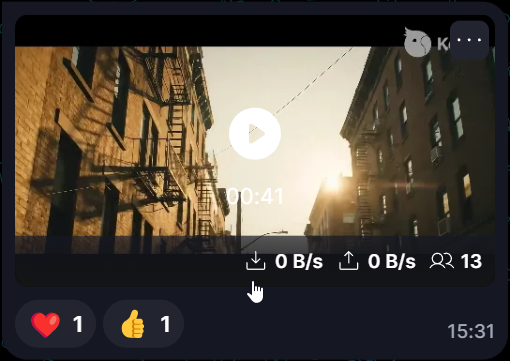
The ‘Seeds’ icon shows how many people have parts of the shared file. To finish downloading, the sender may need to be online. 👥
How to speed up the file transfer?
Keep the chat open on both devices while transferring files to ensure seamless communication.
Upload speed depends on your and the seed's internet connection. 📡